 2d806d8557
|
||
|---|---|---|
| .githooks | ||
| .github | ||
| cmd/OliveTin | ||
| integration-tests | ||
| internal | ||
| media | ||
| var | ||
| webui | ||
| .dockerignore | ||
| .gitignore | ||
| .goreleaser.yml | ||
| CODE_OF_CONDUCT.md | ||
| CONTRIBUTING.adoc | ||
| Dockerfile | ||
| Dockerfile.arm64 | ||
| Dockerfile.armv7 | ||
| Jenkinsfile | ||
| LICENSE | ||
| Makefile | ||
| OliveTin.proto | ||
| OliveTin.service | ||
| README.md | ||
| SECURITY.md | ||
| buf.gen.yaml | ||
| buf.lock | ||
| buf.yaml | ||
| config.yaml | ||
| go.mod | ||
| go.sum | ||
| tools.go | ||
README.md
OliveTin

OliveTin gives safe and simple access to predefined shell commands from a web interface.



Use cases
Safely give access to commands, for less technical people;
- eg: Give your family a button to
podman restart plex - eg: Give junior admins a simple web form with dropdowns, to start your custom script.
backupScript.sh --folder {{ customerName }} - eg: Enable SSH access to the server for the next 20 mins
firewall-cmd --add-service ssh --timeout 20m
Simplify complex commands, make them accessible and repeatable;
- eg: Expose complex commands on touchscreen tablets stuck on walls around your house.
wake-on-lan aa:bb:cc:11:22:33 - eg: Run long running on your servers from your cell phone.
dnf update -y - eg: Define complex commands with lots of preset arguments, and turn a few arguments into dropdown select boxes.
docker rm {{ container }} && docker create {{ container }} && docker start {{ container }}
Join the community on Discord to talk with other users about use cases, or to ask for support in getting started.
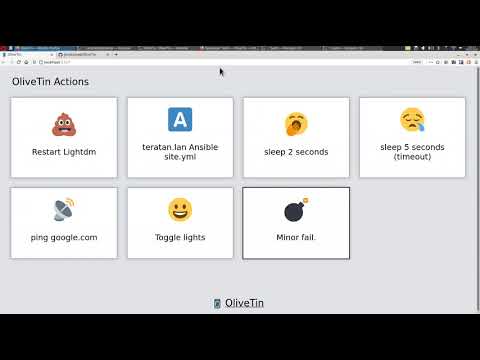
YouTube demo video (6 mins)
Features
- Responsive, touch-friendly UI - great for tablets and mobile
- Super simple config in YAML - because if it's not YAML now-a-days, it's not "cloud native" :-)
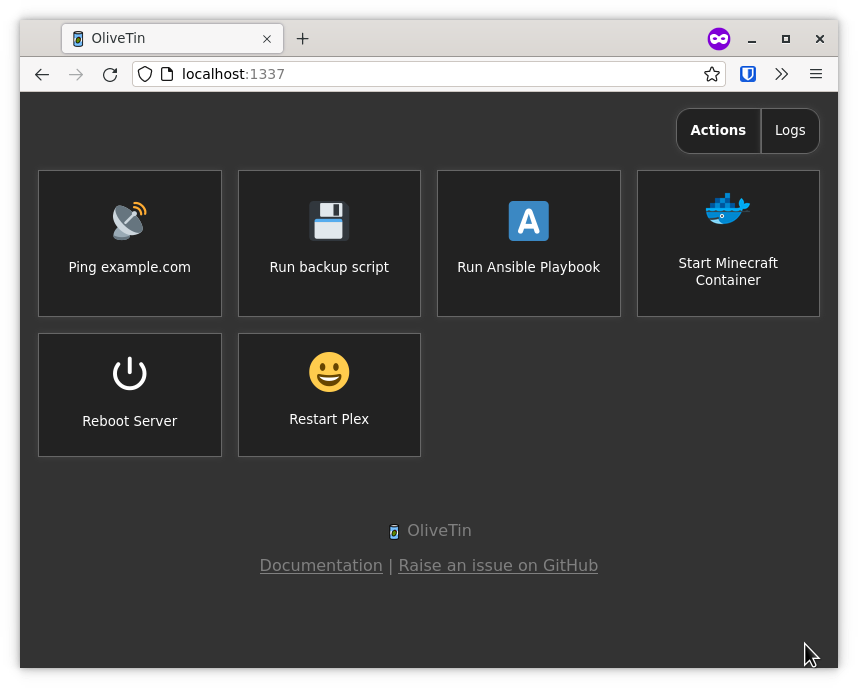
- Dark mode - for those of you that roll that way.
- Accessible - passes all the accessibility checks in Firefox, and issues with accessibility are taken seriously.
- Container - available for quickly testing and getting it up and running, great for the selfhosted community.
- Integrate with anything - OliveTin just runs Linux shell commands, so theoretially you could integrate with a bunch of stuff just by using curl, ping, etc. However, writing your own shell scripts is a great way to extend OliveTin.
- Lightweight on resources - uses only a few MB of RAM and barely any CPU. Written in Go, with a web interface written as a modern, responsive, Single Page App that uses the REST/gRPC API.
- Good amount of unit tests and style checks - helps potential contributors be consistent, and helps with maintainability.
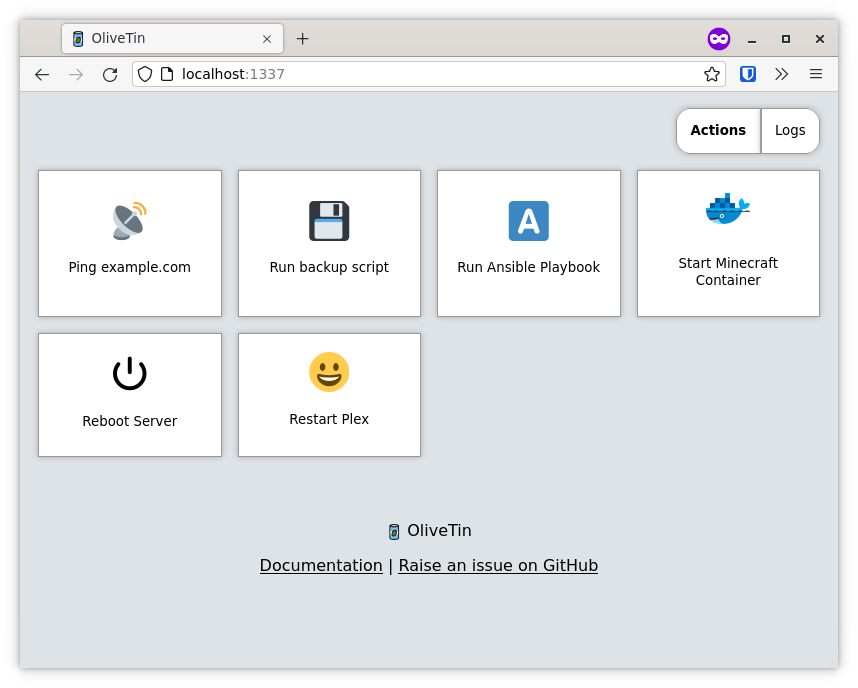
Screenshots
Desktop web browser;
Desktop web browser (dark mode);
Mobile screen size (responsive layout);

Documentation
All documentation can be found at http://docs.olivetin.app . This includes installation and usage guide, etc.
Quickstart reference for config.yaml
This is a quick example of config.yaml - but again, lots of documentation for how to write your config.yaml can be found at the documentation site.
- (Recommended) Linux package install (.rpm/.deb) install instructions
- Container (podman/docker) install instructions
- Docker compose install instructions
- Helm on Kubernetes install instructions
- Kubernetes (manual) install instructions
- .tar.gz (manual) install instructions
Put this config.yaml in /etc/OliveTin/ if you're running a standard service, or mount it at /config if running in a container.
# Listen on all addresses available, port 1337
listenAddressSingleHTTPFrontend: 0.0.0.0:1337

# Choose from INFO (default), WARN and DEBUG
logLevel: "INFO"

# Actions (buttons) to show up on the WebUI:
actions:
  # Docs: https://docs.olivetin.app/action-container-control.html
- title: Restart Plex
  icon: restart
  shell: docker restart plex

  # This will send 1 ping
  # Docs: https://docs.olivetin.app/action-ping.html
- title: Ping host
  shell: ping {{ host }} -c {{ count }}
  icon: ping
  arguments:
    - name: host
      title: host
      type: ascii_identifier
      default: example.com

    - name: count
      title: Count
      type: int
      default: 1

  # Restart http on host "webserver1"
  # Docs: https://docs.olivetin.app/action-ssh.html
- title: restart httpd
  icon: restart
  shell: ssh root@webserver1 'service httpd restart'
A full example config can be found at in this repository - config.yaml.